

WhatsApp Account Statements with Mikro Run, Jump and Fly

How identity, period selection, data scope and document security should work together when handling balances, transactions and PDF statement requests on WhatsApp for organisations using Mikro.

Scroll down
Prepared by İrfan AksoyPublished Updated
WhatsApp Account Statements with Mikro Run, Jump and Fly
Operational Guide

WhatsApp Account Statements with Mikro Run, Jump and Fly

How identity, period selection, data scope and document security should work together when handling balances, transactions and PDF statement requests on WhatsApp for organisations using Mikro.

01

Resolve the correct account and period

The phone number is matched to the relevant company and authorised contact. If several accounts, branches or periods are possible, the workflow asks the user to choose. A balance request does not expose unnecessary transaction detail.

02

Data read from Mikro

Balances, debit and credit movements, due dates, open items and document references are read according to the Mikro product, version and authorised data view. Run, Jump and Fly deployments are not assumed to be identical; scope is verified during discovery.

03

PDF generation and secure delivery

The statement is generated from source data, labelled with company and period, and delivered through a time-limited unguessable link. Access records and retention follow the organisation’s privacy policy.

04

Disputes and human handoff

If a customer disputes a transaction, automation does not close the issue. The relevant document, requested period and conversation summary pass to finance, while the customer sees on WhatsApp that the case has been accepted for review.

Applied example

Example account statement flow

A financial-data request is completed only after the correct person and period are verified.

  1. Customer: “Can you send the July statement as a PDF?”

  2. Meta Reva checks the phone, company and account permission, asking for a company or period choice when needed.

  3. A PDF is generated from authorised Mikro transactions and delivered through a time-limited WhatsApp link.

  4. If a transaction is disputed, the document and conversation summary pass to the finance owner.

Product evidence

The conversation on the right is illustrative; it shows the intended flow, not a customer claim or result.

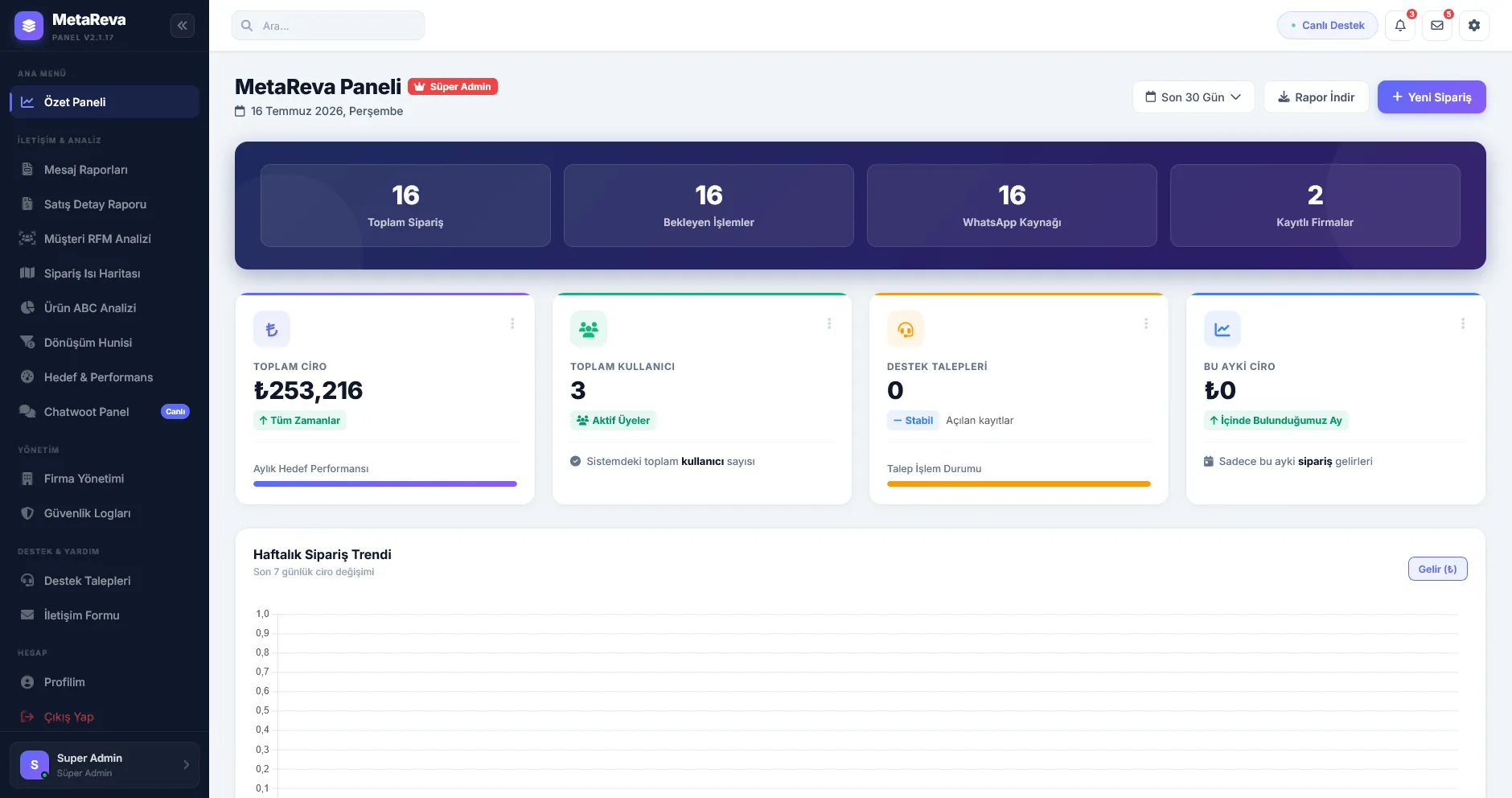
Meta Reva panelinin genel operasyon görünümü
Actual Meta Reva panel screen
Pre-live validation

Source data, permission limits, repeated requests, failed writes and agent handoff are validated together before launch.

Continue within this topic

Related practical guides

Let’s review your workflow together

We can assess the source system, permissions, exceptions and the first safe production scenario.

Book a Demo