
01
A fault description is not a work order
No team is assigned until device, location, priority, access details and, where applicable, service coverage are clear.
How to connect a WhatsApp conversation to the right team, address, time and verifiable work order when handling a service request.
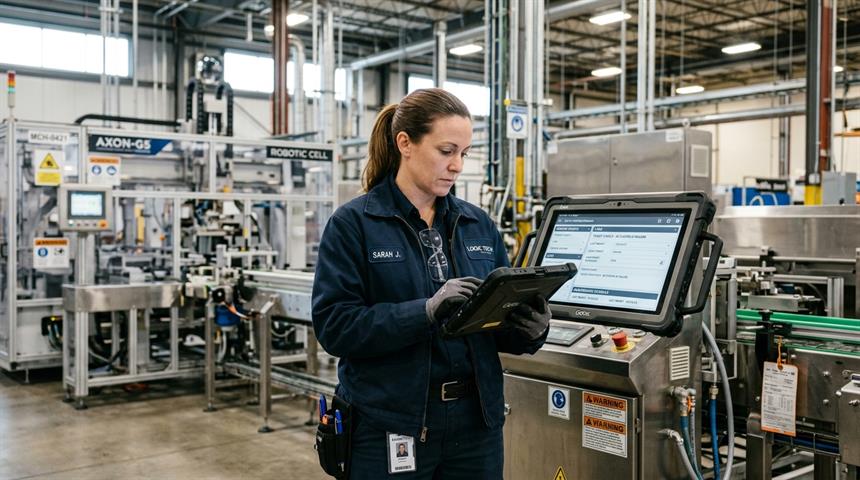
How to connect a WhatsApp conversation to the right team, address, time and verifiable work order when handling a service request.
No team is assigned until device, location, priority, access details and, where applicable, service coverage are clear.
Region, skills, shift, part requirements and current workload are evaluated together.
Appointment, en-route and completion updates remain consistent with the work-order state in the source system.
Work completed, parts used, signature and next recommendation are recorded on the work order when needed; chat alone is not proof.
This screen shows the real Meta Reva management layer. Data scope, action authority and failure scenarios are verified in writing during implementation.
The conversation on the right is illustrative; it shows the intended flow, not a customer claim or result.

Source data, permission limits, repeated requests, failed writes and agent handoff are validated together.
We can assess the source system, permissions, exceptions and the first safe production scenario.
Book a DemoFault intake, photo and location capture, service appointments, team assignment and job-status tracking are combined in one request…
→GuideA practical flow for turning a service request into a record, initial check, appointment, team assignment and outcome update without…
→FeatureUncertain, critical or human-review conversations are handed to an authorised agent with context and a concise summary preserved.
→IntegrationReview supported connection approaches, systems and data sources.
→